Slovenščina
 Deutsch

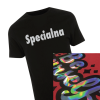
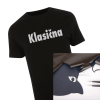
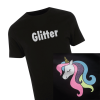
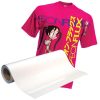



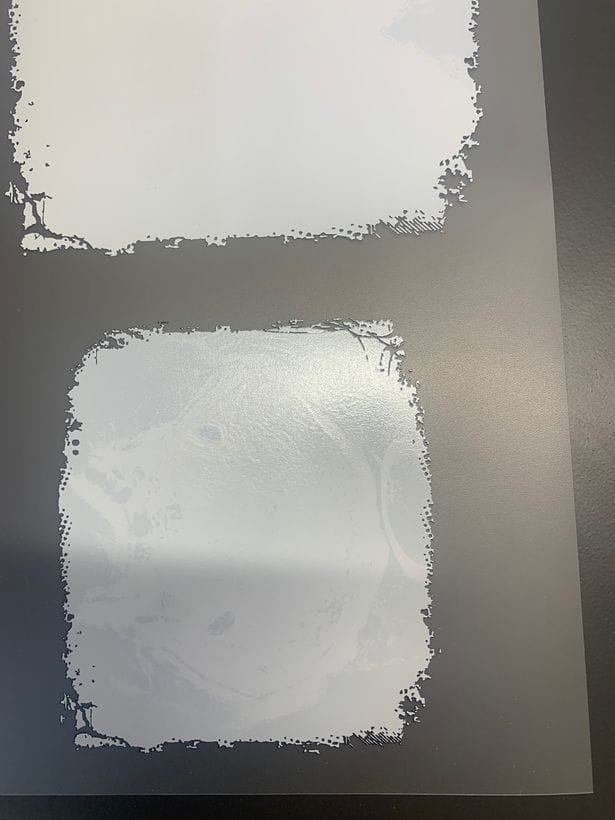
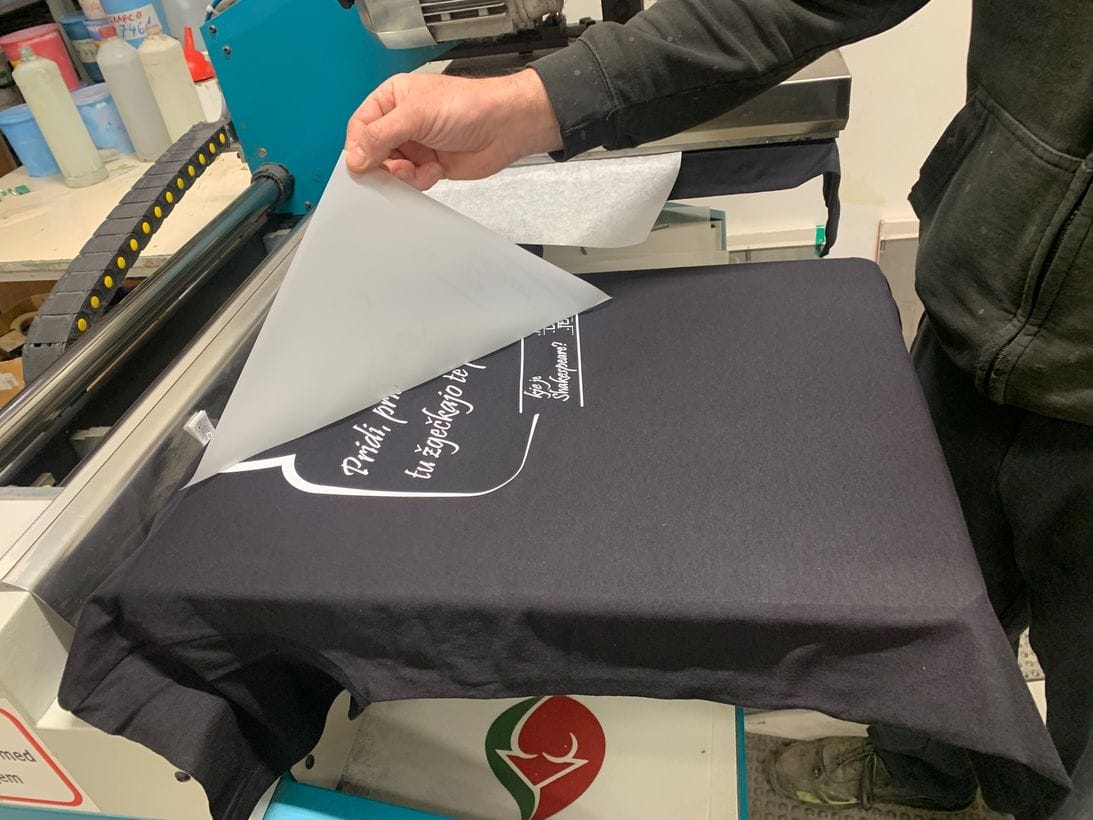
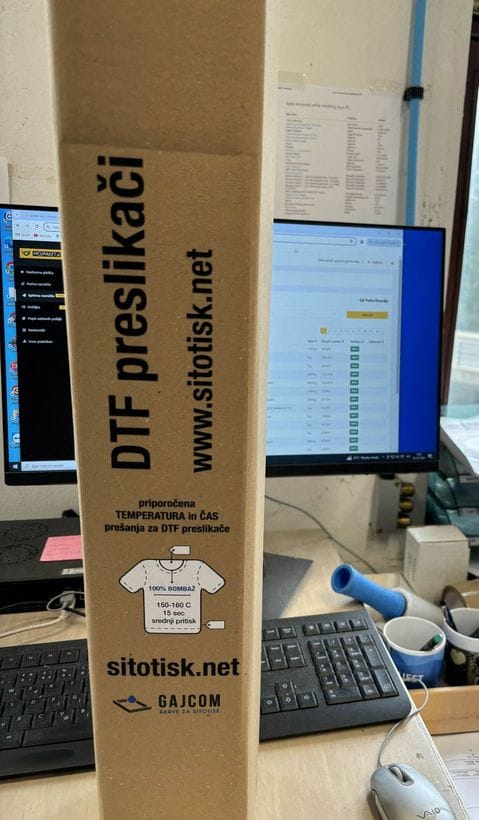
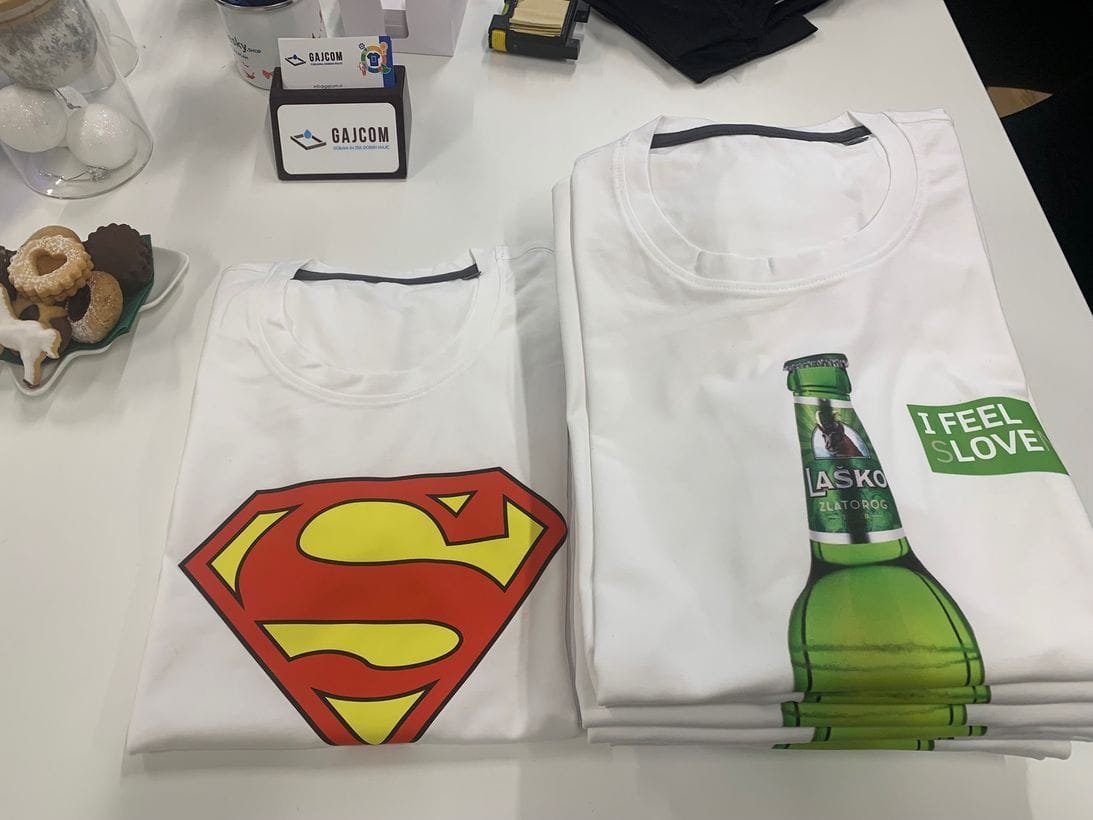

Premium DTF transfers made to order
15,00 € + VAT
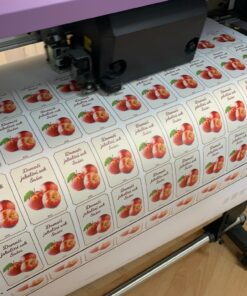
Premium DTF transfers made to order are intended for printers, small workshops, creators, and merch projects. Upload a PNG or PDF, prepare a gang sheet, and place an order to produce transfers for later application to textiles.
- Suitable for printers, small workshops, creators, and merch projects.
- You can arrange multiple designs on one gang sheet.
- Before placing your order, check the design size, file resolution, and whether the background is correctly transparent.
Important: a white background is not the same as a transparent background. If the background is visible in the file, it may also be transferred onto the transfer.

Custom premium DTF transfers
Premium DTF transfers are intended for customers who want a ready-made design for further application to textiles using a heat press. They are suitable for printers, small workshops, creators, merch projects, and customers who have artwork ready or want to arrange multiple designs on a single gang sheet.
On this page, upload your file, prepare the layout, and place an order for DTF transfers. If you have multiple designs, you can arrange them on one shared sheet to make better use of the ordered area.
Before placing your order, check the design size, file quality, transparent background, and any builder warnings. Proper file preparation reduces the chance of errors and helps ensure the order is fulfilled more predictably.
What are you ordering?
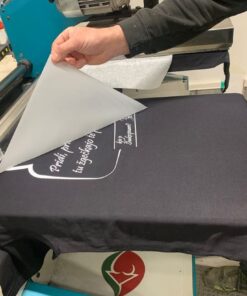
With this product, you are ordering DTF transfers, not a finished print on a T-shirt or other textile product. You receive the transfers ready for further use, i.e., application with a heat press.
- Production of DTF transfers from your file.
- Option to prepare multiple designs on one gang sheet.
- Suitable for printers, creators, and small runs.
- A clear ordering process with PNG or PDF file uploads.
- Before placing your order, you can review the layout, size, and builder warnings.
How does ordering work?
- Prepare the design in the final size and appropriate quality.
- Upload a PNG or PDF file into the sheet builder.
- Set the size, number of copies, and spacing between designs.
- Review the gang sheet, final layout, and builder warnings.
- Add the order to the cart and complete checkout.
What is a gang sheet?
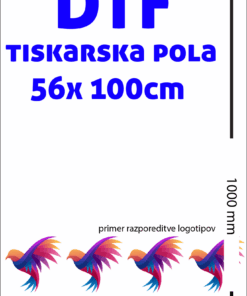
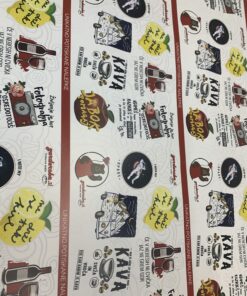
A gang sheet is a larger sheet on which you arrange multiple designs or multiple copies of the same design. This setup is useful when ordering several different graphics, logos, or repeats and you want to make better use of the ordered area.
When preparing a gang sheet, pay attention to the spacing between designs, the final size of each graphic, and ensure the designs are not unnecessarily surrounded by a background or empty space.
Who are DTF transfers suitable for?
- for printers and print shops,
- for smaller personalization providers,
- for hobby and craft creators,
- for merch projects,
- for companies, teams, and customers who need transfers for further use,
- for customers who already have their own textiles or an application provider.
How to prepare a file for DTF transfers?
The quality of the transfer is directly related to the quality of the file. The design should be prepared at the correct size, with a sufficiently high resolution, and without unwanted background.
- Prepare the file at the final size, i.e., at a 1:1 ratio.
- For the best result, use a high-quality file with a sufficiently high resolution.
- If you do not want the background printed, the file background must be transparent.
- A white background is not the same as a transparent background.
- Remove unnecessary margins, white rectangles, and hidden elements in the background.
- For multiple designs, check the spacing and final layout on the gang sheet.
- Before submitting your order, review any warnings from the builder.
If you’re not sure whether the file is prepared correctly, also take a look at the guide:
file preparation for DTF printing.
Technical specifications
| Item | Recommendation |
|---|---|
| Accepted file formats | PNG or PDF |
| Design preparation | Prepare the design at the final size, at a 1:1 ratio. |
| Recommended resolution | 300 DPI, whenever possible given the source file. |
| File background | If you do not want the background printed, the background must be transparent. |
| White background | A white background is not a transparent background. If it is part of the file, it may also be printed. |
| Gang sheet | You can arrange multiple designs on one sheet and check the final layout before submitting. |
| Billing | The final length and indicative price are shown in the builder before submitting the order. |
| Using transfers | Transfers are intended for subsequent application with a heat press. |
What should you pay special attention to?
- If the file has a white background, the white background may also transfer onto the transfer.
- Small details, thin lines, and tiny text can affect the final result.
- The design must be prepared at the correct size before placing the order.
- Semi-transparent edges, shadows, or elements with low opacity can cause an unwanted appearance during DTF preparation.
- With a gang sheet, make sure there is enough space left between designs for cutting and application.
- If you are ordering transfers, you are not ordering a finished print on a textile product.
Related content and products
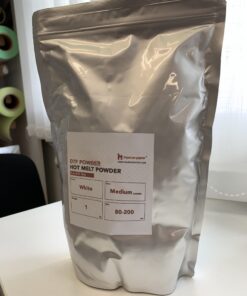
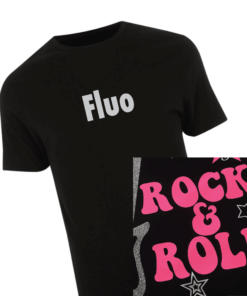
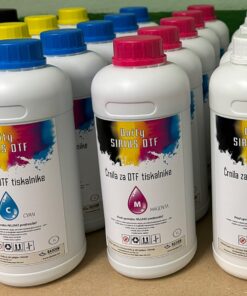
If, in addition to having transfers made, you also need materials or equipment for DTF, check out the related categories as well:
Frequently asked questions
What are DTF transfers?
DTF transfers are prepared designs for subsequent application to textiles. You can use them for projects where you want to create the design as a transfer first and then apply it with a heat press.
On this page, am I ordering transfers or printed T-shirts?
On this page you order DTF transfers. These are not already printed T-shirts or other products, but transfers for subsequent application.
What file should I upload?
Upload a PNG or PDF file. The design should be prepared at the final size, without unnecessary background, and with sufficiently high resolution.
Is a white background the same as a transparent background?
No. A white background is not a transparent background. If the white background is part of the file, it may also transfer onto the transfer.
What is a gang sheet?
A gang sheet is a larger sheet on which you arrange multiple designs or multiple copies of the same design. This is useful when you want to order multiple transfers in a single order.
Can I order multiple different designs?
Yes. You can upload multiple designs and arrange them on a single sheet. Before placing the order, check the size, spacing, and final layout.
Do I apply the transfers myself?
Yes, the transfers are intended for subsequent application with a heat press. When using them, follow the application instructions and first check the suitability of the material you will be applying the transfer to.
What if the file isn’t prepared correctly?
An incorrectly prepared file can affect the final look of the transfer. Before placing your order, check the builder warnings, background transparency, motif size, and file quality.
Order DTF transfers
Once the file is ready, upload it to the builder, check the layout on the sheet, and place an order for premium DTF transfers.
| tekoči meter | TM |
|---|
Brand
Gajcom
Related products



Gang sheet builder is intended for desktop use.
For precise placement, resizing and checking print files, please use a desktop or laptop computer. A prepared-sheet upload workflow can be added as the mobile-friendly next step.
Price list
Minimum order: 1000 mm.
Standard price list
| From meters | Price per meter |
|---|---|
| 1.0 m | 15.00 € + DDV |
| 10.0 m | 14.00 € + DDV |
| 20.0 m | 13.00 € + DDV |
| 30.0 m | 12.00 € + DDV |
| 50.0 m | 11.00 € + DDV |
| 100.0 m | 10.00 € + DDV |
Builder items
- No designs yet.
Click a design. Drag to move. Corner squares resize proportionally.
- 570
- Sheet length 1,0 tm
- Placed copies 0
Builder controls
Selected item